Journey Builder
National Parks Road Trip Planner: Build a Trip That Works
A national parks road trip planner helps you map routes, time entries, and schedule days around sunrise, weather, and park hours. Here's how to build one.
In short
A national parks road trip planner is a tool or method that maps your route between parks, accounts for entry timing and seasonal closures, and schedules your days around drive times, daylight, and reservations. The best ones let you adjust stops and pace while still doing the heavy lifting of arithmetic and research.
Planning a trip around several national parks is a different puzzle than a typical city-to-city road trip. Parks open and close with the seasons, some require timed entry reservations, and the distance between two gates on a map doesn’t always match the time it takes to actually drive there on mountain roads. A national parks road trip planner needs to handle all of that without turning your vacation into a second job.
Why national park road trips need extra planning
Opening hours, seasons, and entry logistics
Unlike a city stop you can visit any time, national parks have their own rhythms. Some roads close in winter, some visitor centers run limited hours outside peak season, and a handful of the most popular parks now require timed entry permits during busy months. If your planner doesn’t account for these details, you risk showing up to a locked gate or missing a window you didn’t know existed.
Distances between parks can be deceiving
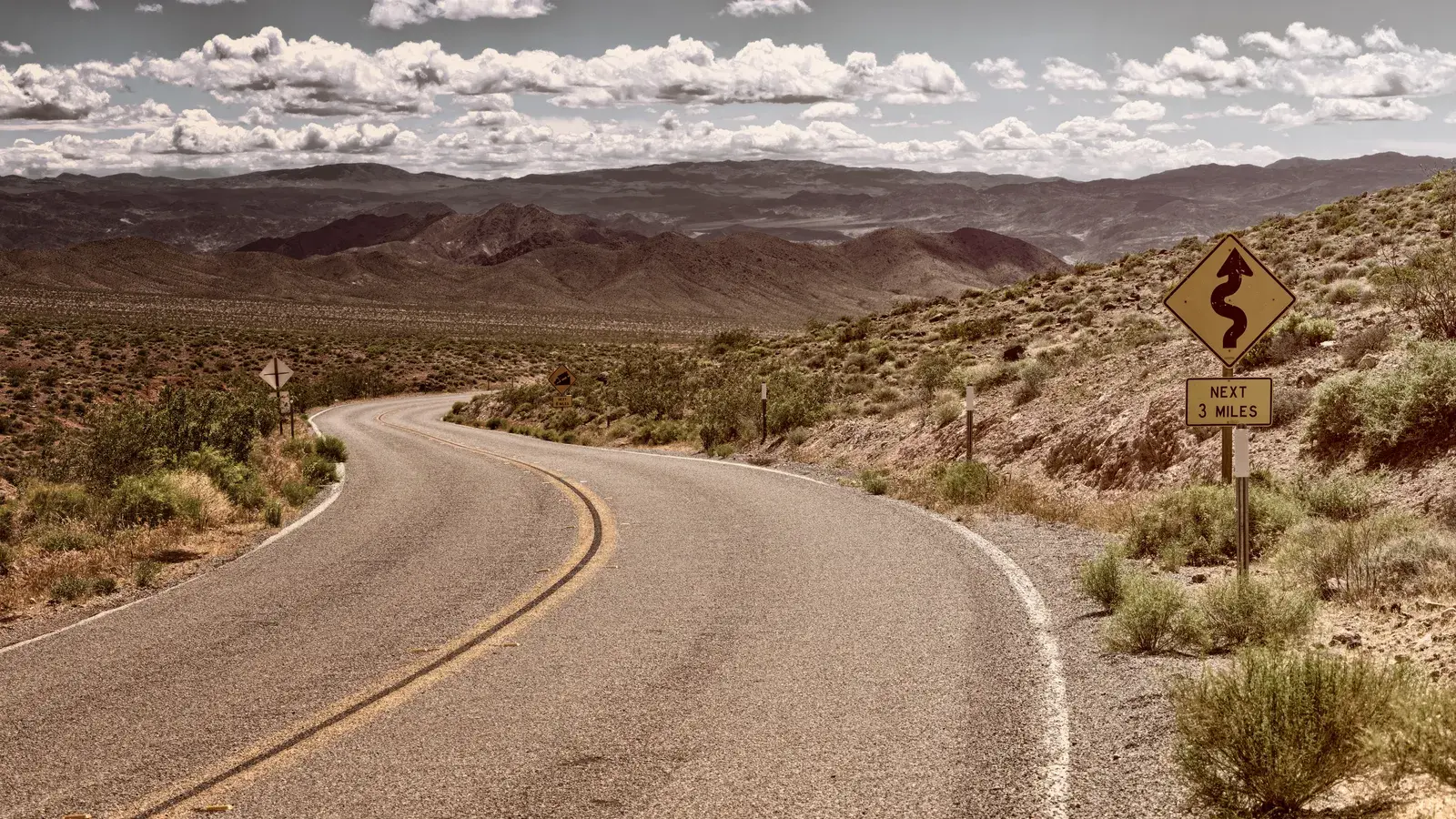
Two parks that look close together on a map can be hours apart once you account for winding canyon roads, mountain passes, or a single two-lane highway connecting them. This is where drive-time estimates matter more than straight-line distance. A route planner built for road trips, rather than a general-purpose map app, will show the real drive time for each leg and flag detours that add more time than they’re worth.
Building a route that actually works
Choosing which parks to include
Most people start with a wish list that’s too ambitious for the days they have. A helpful exercise here is the 3-3-3 rule for a road trip, which offers a simple way to pace daily driving so you’re not spending every afternoon behind the wheel instead of on a trail.
Letting the route guide your stops
Once you’ve picked your anchor parks, the towns and overlooks between them often turn into some of the best parts of the trip. A good route planner for road trips will rank nearby towns by how far off your path they sit, so you can decide whether a detour is worth the extra hour.
Picking the right planning tool
What a good planner should handle
A solid tour planner for this kind of trip should build your route automatically, suggest how many nights to spend at each stop, and turn your picks into a day-by-day schedule that respects drive times and opening hours. It should also warn you if a plan isn’t realistic, for example if you can’t reach a trailhead from your overnight stop before it opens.
Where Journey Builder fits in
This is where Journey Builder earns its place in the conversation. It builds your route automatically with distance and drive time for every leg, ranks towns along the way, and won’t schedule a visit when a place is known to be closed, as long as opening hours are known and your trip has dates. It also shows each day’s sunrise, sunset, daylight, and weather forecast, which matters a lot when you’re planning a sunrise hike or a scenic overlook stop. The founder, Jason Tarter, built it after his own anniversary road trip turned into a research project just to figure out stops, stays, and logistics, which is the exact tangle a national parks route tends to create.
Good to know
Journey Builder won't schedule a visit or meal at a place known to be closed, as long as opening hours are known and the trip has dates.
Tip
Lock in reservations and timed entries first, then let the rest of your day plan itself around them.
Heads-up
Two parks that look close on a map can still be hours apart once you account for mountain roads.
Scheduling your days around the parks
Sunrise, sunset, and daylight
Many park activities, like catching sunrise at a rim or finishing a trail before dark, depend on daylight more than clock time. Seeing sunrise, sunset, and golden hour laid out for each day of the trip makes it far easier to plan hikes and photo stops without guessing.
Locking in reservations and timed entries
If you’ve booked a timed entry permit, a campsite, or a guided tour, locking those into your plan as fixed points lets everything else get arranged around them automatically, rather than you manually reshuffling the whole itinerary every time something changes.
Budgeting for a national parks trip
Fuel, camping, and lodging costs
Long stretches between gas stations and parks are common on these routes, so a fuel estimate based on your actual vehicle and current prices helps avoid surprises. If you’re starting from scratch and want to map things out without spending anything yet, our guide on planning a road trip for free covers how to get a usable itinerary at no cost before you commit to paid tools or bookings.
If you’re ready to put a route together, explore road trip planning and see how the pieces fit for your own park list.
Ready to plan your road trip?
Sign up for Journey BuilderPlan your next road trip with Journey Builder
It works out the route, finds the stops worth making and lays out every day. Sign up and plan your first trip today.