Journey Builder
How-to guide
Planning a Road Trip With Multiple Stops: A Guide
Planning a road trip with multiple stops? Learn how to map your route, pick the right stops, and build a schedule that actually holds up.

Plan your trip
Journey Builder works out the route, finds the stops worth making and lays out every day.
Sign upSee how it worksIn short
Planning a road trip with multiple stops works best when you map the overall route first, then rank potential stops by how far they pull you off that route, and finally build a day-by-day schedule around opening hours, drive times, and any fixed plans like reservations or flights. Doing these steps in order keeps you from overloading days or missing things that are actually closed when you arrive.
A road trip with one destination is easy to picture. Add five or six stops along the way, though, and the planning gets a lot more complicated. Suddenly you’re juggling drive times, opening hours, where to sleep each night, and whether that charming small town is really “on the way” or a two-hour detour in disguise. Getting it right takes a bit more structure than just circling towns on a map.
Why Multiple Stops Need More Planning Than a Simple Drive
Every stop you add touches everything else in the trip. A longer lunch stop pushes back your arrival time, which affects whether a museum is still open, which affects what time you eat dinner, which affects how early you can leave the next morning. With one or two stops, you can usually wing it. With six or eight, small delays stack up fast, and a plan that looked fine on paper can fall apart on day two.
Start With Your Route, Not Your Stop List
It’s tempting to start by listing every place you want to see. A better starting point is the route itself, since that tells you what’s actually feasible.
Map the Overall Distance and Drive Time
Before adding stops, get a clear sense of the total distance and drive time between your starting point and final destination. This number is your budget. Every stop you add either comes out of driving time you’d otherwise spend moving forward, or it adds a day to the trip. Knowing your baseline keeps you from accidentally planning a two-week itinerary for a trip you only have ten days for. If you’re still deciding how many days to set aside in the first place, our guide on how long a road trip should be walks through how to think about that.
Decide Fastest Route vs. Scenic Route
Multi-stop trips often involve a choice between the fastest highway route and a slower, more scenic one that passes through more towns. Neither is wrong, but it changes how many stops are realistic. A fastest-route trip leaves less room for detours; a scenic route builds more stopping opportunities in naturally, since you’re already passing through smaller towns along the way.
Tip
Rank towns along your route by how far they sit off it before deciding which stops make the cut.
Choosing Which Stops Make the Cut
Once you know your route and rough timeline, it’s time to figure out which of the places on your wish list are actually worth including.
Rank Towns by How Close They Are to Your Route
Not every interesting town is actually convenient. Some sit right on your path; others require a real detour that eats into drive time. It helps to think of stops in two categories: ones directly on your route, and ones a set distance off it that you’d need to backtrack for. Being honest about which category a place falls into keeps your schedule realistic instead of optimistic.
Balance Must-See Spots With Detours
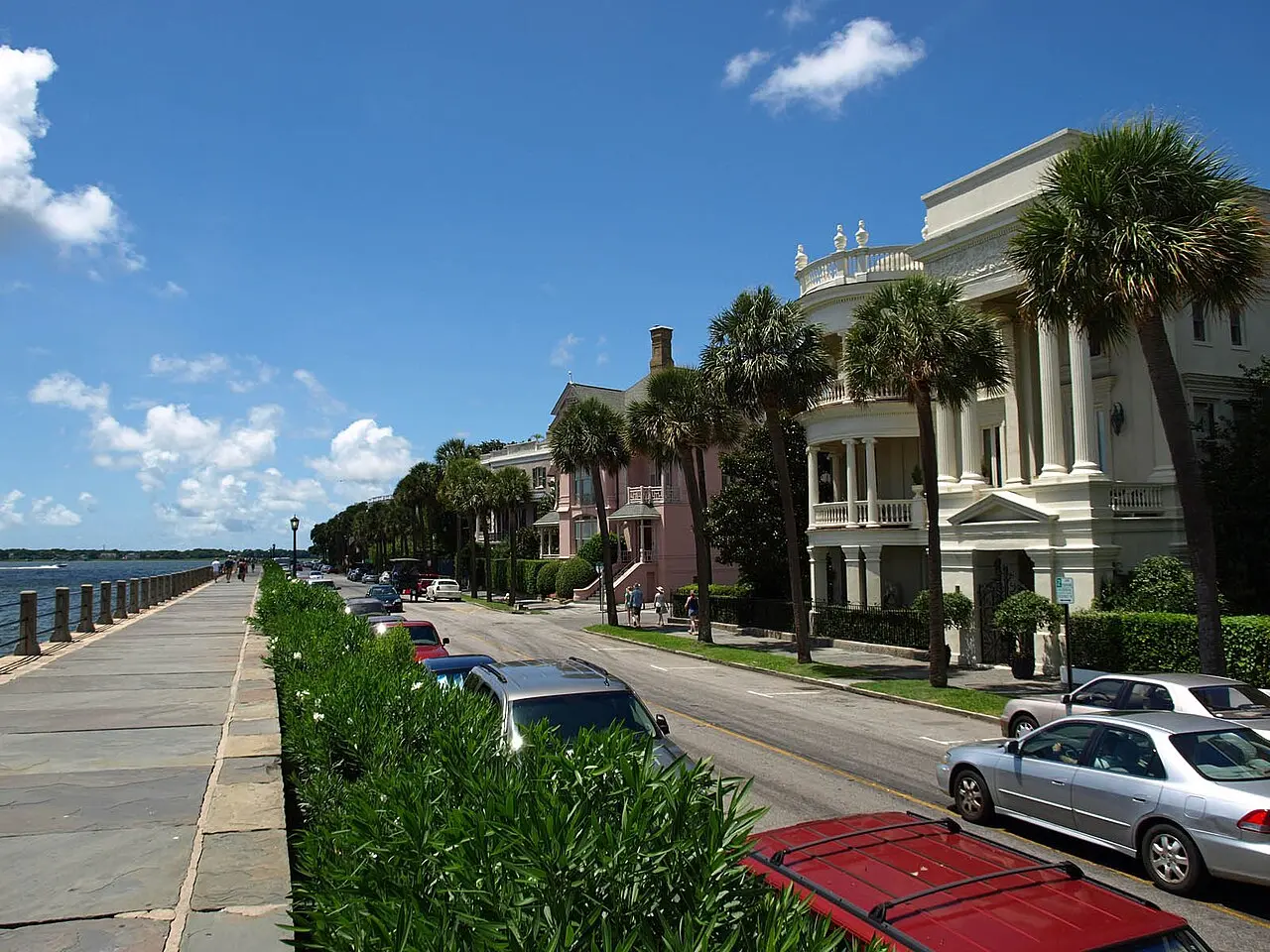
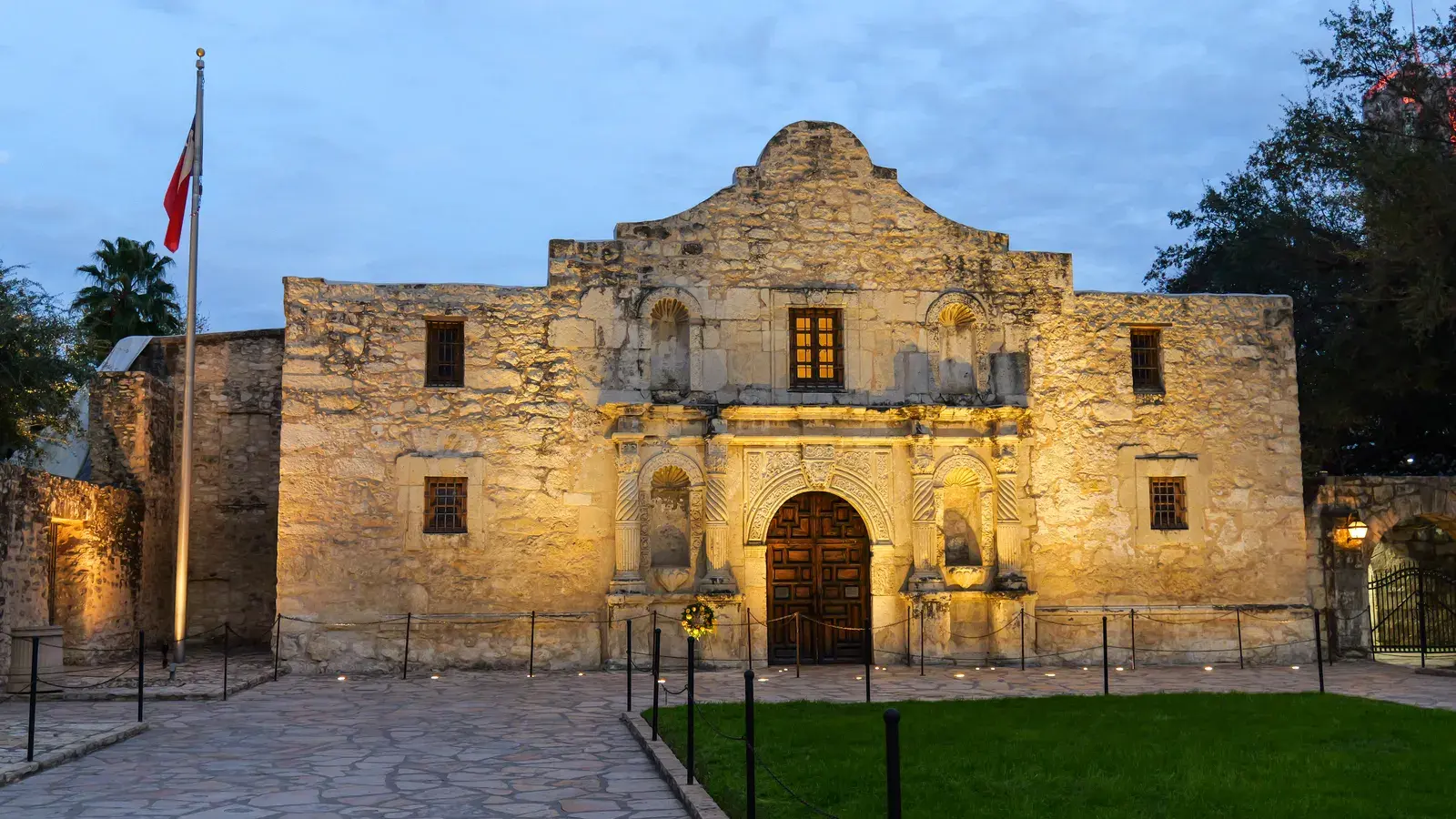
A good rule of thumb is to protect time for your must-see stops first, then slot in detours only if the schedule has slack. If you’re road-tripping a specific corridor, like the stretch between Charleston and Savannah or the drive from Houston to San Antonio, looking at how others have sequenced stops on that same route can save you from reinventing the wheel.
Heads-up
Reservations, tours, and flights don't move, so lock those in before scheduling everything else.
Turning a Stop List Into a Day-by-Day Schedule
With a route and a stop list in hand, the last piece is turning that into an actual day-by-day plan.
Account for Opening Hours and Daylight
A stop that looks great on a map can be a dud if you arrive after closing time. As you schedule, check hours for the places that matter most, and keep an eye on daylight if any part of your drive involves scenic overlooks or hiking. Afternoon arrivals in winter, for example, can mean losing the view you drove out of your way for.
Handle Fixed Plans Like Reservations and Flights
Reservations, guided tours, and flights don’t move, so it makes sense to lock those in first and build everything else around them. This is one of the trickiest parts of multi-stop planning by hand, since one fixed time can ripple backward and forward through the rest of the day.
Tools That Make Multi-Stop Planning Easier
Spreadsheets and paper maps can absolutely get a multi-stop trip planned, but the back-and-forth of adjusting drive times, re-checking hours, and re-ordering stops by hand takes real effort. If you’d rather not spend an evening doing math on drive times, there are free ways to map a road trip without spending anything, and there’s also a shortlist of what actually matters most when you’re getting started, covered in our rundown of essential road trip planning steps.
Where Journey Builder Fits In
This is exactly the kind of planning Journey Builder was built for. It builds the route for you automatically, with distance and drive time for every leg, and ranks the towns along the way so you can see whether each one is right on your route or how far off it sits. You can add stops through top picks, a search within a set distance of the route, or by tapping towns on a map, and the auto-scheduler turns all of it into a day-by-day plan that works around wake-up and bedtime, drive times, meals, and any fixed plans you’ve locked in, usually in one to three minutes. It won’t schedule a stop at a place known to be closed, and it flags timing conflicts so you can fix them before they become a problem on the road.
Good to know
Journey Builder's auto-scheduler won't book a visit at a place known to be closed when it has your trip dates.
A Simple Checklist Before You Hit the Road
Before you finalize a multi-stop itinerary, it’s worth running through a short checklist: confirm your total drive time budget, rank your stops by how far they pull you off route, lock in anything with a fixed reservation time, and double-check opening hours for your must-see spots. Getting these four things right handles most of the complexity that trips up multi-stop road trips.
Ready to plan your road trip?
Sign up for Journey BuilderPlan your next road trip with Journey Builder
It works out the route, finds the stops worth making and lays out every day. Sign up and plan your first trip today.