 Journey Builder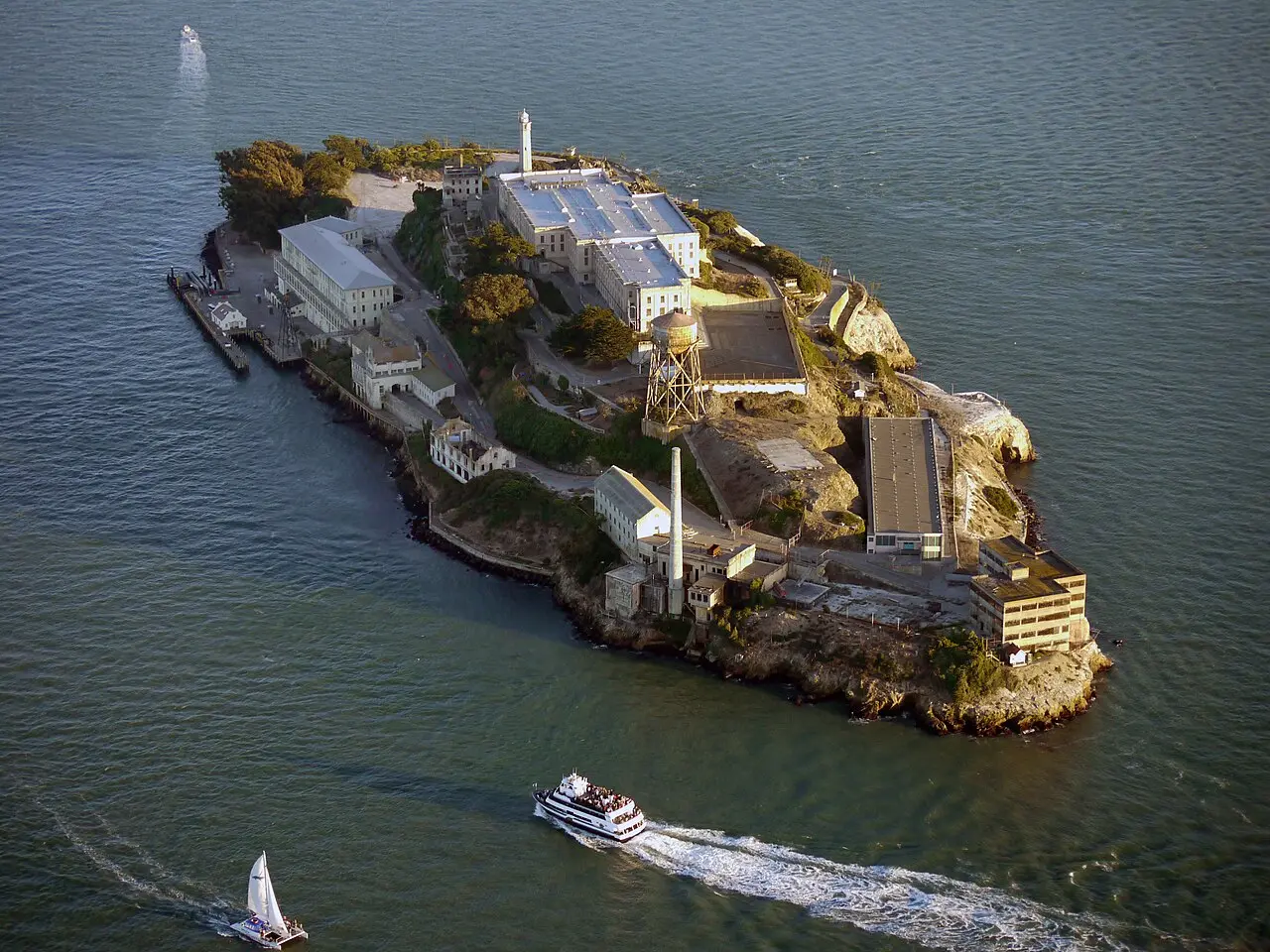
Road Trip from Los Angeles to San Francisco: A Complete Route Guide
Photo: Craig Howell from San Carlos, CA, USA, CC BY 2.0, via Wikimedia Commons

Planning a road trip from Los Angeles to San Francisco? Get the distance, drive time, best stops, and a day-by-day plan for the coastal route.
A road trip from Los Angeles to San Francisco covers about 734 km (456 mi) on the fastest route, roughly 8 hours of driving without stops. That number alone undersells the trip: this is one of the most rewarding drives in the country, tracing the California coast past beach towns, farmland, redwood groves, and sea otters bobbing in kelp beds. Whether you have a long weekend or two weeks to spare, here’s how to plan it well.
The drive, leg by leg
| Leg | Distance | Drive time |
|---|---|---|
| Los Angeles to Santa Barbara | 96 mi / 155 km | 1 h 35 min |
| Santa Barbara to San Luis Obispo | 106 mi / 171 km | 1 h 40 min |
| San Luis Obispo to Cambria | 34 mi / 54 km | 35 min |
| Cambria to Monterey | 103 mi / 165 km | 2 h |
| Monterey to Santa Cruz | 43 mi / 69 km | 45 min |
| Santa Cruz to San Francisco | 74 mi / 120 km | 1 h 20 min |
| Total | 456 mi / 734 km | 7 h 55 min |
Drive times without stops or traffic, to the nearest 5 minutes. Routing by Geoapify · map data © OpenStreetMap contributors.
How Far Is the Drive, Really?
The 8-hour figure is for the fastest route, mostly along US-101 with stretches of the Pacific Coast Highway. There’s also a route with fewer highways, but at 829 km (515 mi) and about 12 h 20 min, it runs roughly 54% longer with no real upside for most travelers — not a practical alternative to the fastest route. For a coastal road trip, the value isn’t in the shortest path anyway; it’s in how you break the fastest route into stops.
Highway 101 vs. the Pacific Coast Highway
Drivers often debate US-101 versus Highway 1 (the Pacific Coast Highway, or PCH). In practice, most itineraries blend both: 101 moves faster inland, while PCH hugs the cliffs for scenery, especially through Big Sur. The measured fastest route already uses the practical combination of these roads leg by leg, so you don’t have to choose one road for the whole drive — you can pick the scenic option where it counts and the faster one where it doesn’t.
Day 1: Los Angeles to Santa Barbara


Los Angeles is a sprawling metropolis where golden beaches meet mountain trails, world-class museums, and a dining scene spanning nearly every cuisine on earth, from Hollywood’s backlots to the street-food stalls of Koreatown. With a population above 3.8 million, it rewards a few extra days before you even hit the road — most visitors spend 3 to 7 days here covering highlights like the Griffith Observatory, Griffith Park, the Hollywood Sign, and the Los Angeles County Museum of Art.
When you’re ready to leave, the drive to Santa Barbara is about 155 km (96 mi), around 1 h 35 min without stops. Santa Barbara is a sun-drenched stretch of coast often called the California Riviera, where Spanish colonial architecture lines State Street just blocks from a working harbor and surfable beaches. It’s a foodie and scenic-drive destination best suited to 1 to 3 days, with wine country and hiking trails into the Santa Ynez Mountains close by.
Day 2: Santa Barbara to San Luis Obispo


From Santa Barbara, it’s about 171 km (106 mi) and roughly 1 h 40 min to San Luis Obispo, a laid-back college city wedged between the Santa Lucia mountains and the Central Coast. SLO punches above its size with a thriving farm-to-table dining scene and a pedestrian-friendly historic downtown, plus easy access to volcanic peaks and Pacific beaches. Most travelers spend just 1 to 2 days here before continuing north.
Day 3: San Luis Obispo to Cambria


The short hop from San Luis Obispo to Cambria is about 54 km (34 mi), around 35 minutes of driving. It’s an easy half-day leg that leaves plenty of time to explore the coastline before the longer haul ahead.
Day 4: Cambria to Monterey


This is the marquee leg of the trip: Cambria to Monterey is about 165 km (103 mi), roughly 2 hours of driving, much of it through the dramatic cliffs and bridges of Big Sur. Budget extra time here beyond the measured drive time — this stretch is built for stopping at overlooks, not rushing through.
Day 5: Monterey to Santa Cruz
From Monterey, it’s about 69 km (43 mi) and around 45 minutes to Santa Cruz, a shorter, easier leg after the previous day’s scenic driving.
Good to know
Journey Builder won't schedule a visit to a place that's known to be closed.
Day 6: Santa Cruz to San Francisco
The final leg from Santa Cruz to San Francisco is about 120 km (74 mi), roughly 1 h 20 min without stops, bringing you into the city with time to spare for an evening arrival.
How Long Should the Whole Trip Take?
Add up the legs above and you get about 8 hours of driving without stops — but nobody drives this route in a single push and enjoys it. Spreading the drive across five or six days, as laid out above, keeps each day’s driving light and leaves room for stops, meals, and daylight hours to actually see the coastline. If you’re unsure how to pace a multi-day drive, the 3-3-3 rule for a road trip is a useful starting framework for balancing driving time against rest.
Planning the Logistics
Road trips like this one live or die on logistics: knowing which towns are worth a detour, how many nights to spend where, and what’s actually open when you get there. A handful of tools can help stitch a route like this together, and Journey Builder is one of them.
Journey Builder takes a vague idea — “road trip from LA to San Francisco” — and turns it into a trip you can actually take. It builds the route automatically, with distance and drive time for every leg (including alternatives like the fewer-highways route above, so you can see for yourself why it’s not worth it), and ranks towns along the way so you know whether a stop like Cambria or Santa Cruz is right on your route or a detour worth taking. It suggests how many nights to spend at each stop, finds things to do, places to eat, and places to stay with filters for price, dietary needs, and more, and then runs an auto-scheduler that builds a day-by-day plan around your wake-up and bedtime, drive times, check-ins, and any fixed plans you’ve already booked. It won’t schedule a visit to a place that’s known to be closed, and it’ll flag timing conflicts before they become a problem on the road. For a coastal route with this many worthwhile stops, that’s the kind of logistics that hold up once you’re actually driving it.
A Few Practical Notes
The Big Sur stretch between Cambria and Monterey is where daylight and weather matter most — check conditions before you go, and don’t plan to drive it after dark if you can help it. Beyond that, this route is straightforward year-round, though summer weekends bring heavier traffic through the coastal towns.
If you want a broader look at planning a road trip before you commit to a route, A Practical Plan for Road Trip Season covers the basics worth sorting out first.
Ready to Plan Your Route
A road trip from Los Angeles to San Francisco rewards a little planning: the right pace, the right stops, and enough daylight to actually see Big Sur instead of driving through it in the dark. Pre-registrations are open now — sign up here to get your next road trip planned right.
Plan your next road trip with Journey Builder
It works out the route, finds the stops worth making and lays out every day. Pre-register and we'll email you as soon as your account is ready.