Journey Builder
Quick answer
Road Trip Gas Calculator: How to Budget Fuel Before You Leave
Use a road trip gas calculator to estimate fuel costs before you leave. Learn the formula, the variables that matter, and how to plan a realistic budget.
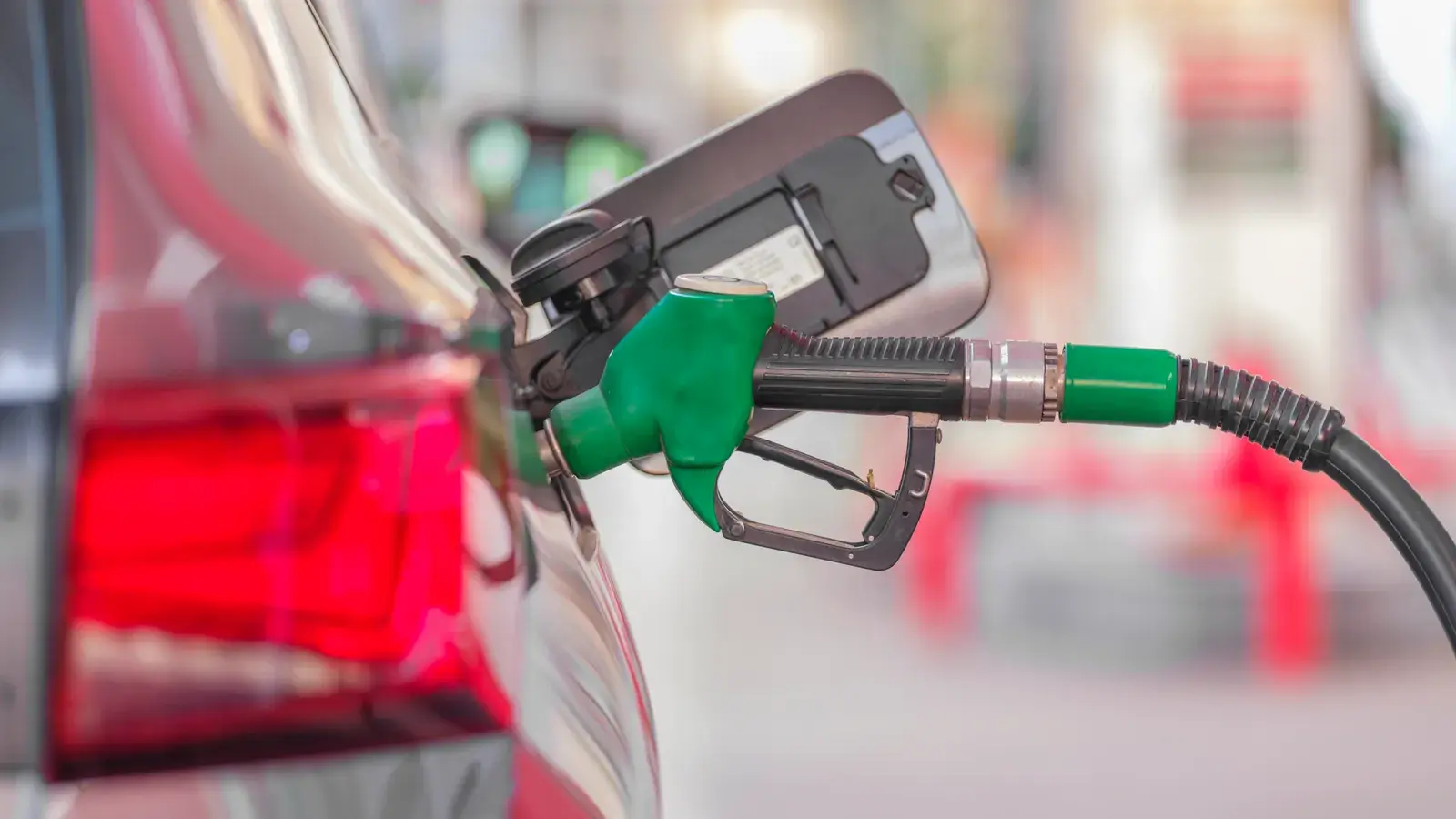
What a Road Trip Gas Calculator Actually Calculates
A road trip gas calculator estimates how much you’ll spend on fuel for a trip based on distance, your vehicle’s fuel efficiency, and the price of gas along your route. It’s one of the first things worth figuring out once you have a route in mind, because fuel is usually the biggest variable cost of a road trip after lodging — and unlike lodging, it changes every single day depending on where you are and how you’re driving.
The basic idea is simple. The details are where it gets tricky.
The Numbers You Need Before You Start
To get a usable estimate, you need four things:
- Total distance. Not the straight-line distance between two cities, but the actual driving distance of your route, including detours to stops.
- Your vehicle’s fuel efficiency, in miles per gallon (or liters per 100 km), ideally split between highway and city driving since they differ.
- Current fuel prices along the corridor you’re driving — prices can swing noticeably from state to state or province to province.
- Fuel type. Regular, mid-grade, premium, or diesel all price differently, and some vehicles need a specific grade.
Skip any one of these and your estimate is a guess dressed up as a number.
How to Calculate Gas Cost for a Road Trip (Step by Step)
The formula behind almost every gas calculator is:
(Total distance ÷ miles per gallon) × price per gallon = estimated fuel cost
For example, a 1,200-mile route in a vehicle that averages 28 mpg, with gas at $3.50 a gallon, works out to about 43 gallons and roughly $150 in fuel.
That’s the math. The real work is getting good numbers into it:
- Map the actual route, not the shortest theoretical path — the one you’ll drive, including any stops or detours.
- Use a realistic mpg figure. Manufacturer ratings assume ideal conditions; loaded trunks, roof boxes, AC, and mountain grades all lower real-world mileage.
- Check current prices, not last month’s. Fuel apps and gas station chains publish live pricing that’s far more accurate than a flat national average.
- Add a buffer. Detours, wrong turns, and side trips to town centers all add miles that a straight-line calculation misses.
Why Manual Math Falls Short on a Real Route
The formula above works fine for a single point-A-to-point-B drive. It gets shaky the moment your trip has multiple stops, alternate roads, or a mix of highway and backroad driving — which is most road trips.
A few things that manual calculators typically miss:
- Route changes. If you take fewer highways for a scenic drive, or a detour adds 40 miles to see a canyon, your distance total is wrong unless you remeasure.
- Regional price swings. Fuel can cost meaningfully more or less crossing a state or provincial line, and a flat “average price” input misses that.
- Vehicle-specific mileage. A gas calculator that assumes a generic sedan will be off for anyone driving an SUV, a truck, or an RV.
- Multi-leg trips. Adding up fuel cost leg by leg, across a week or two of driving, gets tedious fast when done by hand.
Where a Route-Aware Planner Helps
This is where a dedicated road trip gas calculator tends to work better as part of a full route planner than as a standalone tool — because the distance and drive time it needs are already built into the itinerary.
Journey Builder is one option worth knowing about here, and it’s worth listing first because fuel cost is baked into the same trip you’re already planning, not a separate step. It builds the route for you automatically, with the distance and drive time for every leg, plus alternative routes if you want to compare a highway-heavy option against a scenic one. From there, it produces a trip budget by category and by day, with a fuel estimate calculated from your own vehicle and live fuel prices, shown in dollars and miles.
Other tools in this space range from simple standalone gas calculators, to mapping apps with a rough fuel estimate feature, to fuel-price-tracking apps that show you cheap stations nearby but don’t touch your route or budget. Each does one piece of the puzzle. A planner that already knows your exact route and lets you adjust it tends to keep the fuel number more accurate as your plan changes.
Tip
Add a mileage buffer for detours and wrong turns — straight-line distance almost always undercounts your real drive.
Good to know
A route planner that already has your distance and drive times can turn a fuel estimate into a full trip budget by category and by day.
Heads-up
Fuel prices shift regionally, so a flat national average will throw off any multi-state or multi-province trip estimate.
Tips to Trim Fuel Costs on the Road
A few habits make a measurable dent in your total:
- Keep speeds steady. Fuel efficiency drops noticeably above 65–70 mph for most vehicles.
- Time fill-ups by region, not by tank level alone — top off before crossing into a pricier state or province if you can.
- Lighten the load. Extra weight and roof racks both cut mileage.
- Plan fewer, longer stints. Stop-and-go driving through towns burns more fuel than steady highway cruising.
- Pack snacks and drinks instead of relying on gas station convenience stores at every stop — it saves money on food and keeps you from lingering with the engine running. Our guide to road trip snacks has ideas for what to pack and where to restock.
Getting From Estimate to Actual Plan
A gas calculator tells you what fuel will roughly cost. It doesn’t tell you where to stop, how many nights to spend along the way, or whether your route is even realistic given your pace and daylight hours. That part still takes a day-by-day itinerary built around your actual stops, drive times, and schedule.
Plan the Whole Trip, Not Just the Gas
If you’re past the “how much will gas cost” stage and into “what does this trip actually look like day by day,” a planner that handles both is worth a look. Journey Builder takes a trip idea and turns it into a plan you can take: it ranks towns along your route, suggests stops and how many nights to spend at each, and runs an auto-scheduler that respects opening hours, daylight, drive times, and your pace. The things-to-do, food, and stay planning happens alongside the fuel and route math, so the budget you see reflects the trip you’re actually planning to take, not a rough approximation of it.
Pre-Registrations Are Open
Journey Builder is opening pre-registrations now. If you’re planning a road trip anywhere in the United States or Canada, sign up at journeybuilder.app/pre-register to get logistics — and your fuel budget — that hold up in the real world.
Plan your next road trip with Journey Builder
It works out the route, finds the stops worth making and lays out every day. Pre-register and we'll email you as soon as your account is ready.